Winter hours sign
A printable sign for your shorter winter schedule, with the start date and each day's hours.
Write "Winter Hours", each day or group of days with its hours ("Mon–Fri: 10 AM – 6 PM"), the days you're closed, and the date the schedule starts. If you know when regular hours come back, add it: "Summer hours return April 1".
- Free examples below: tap one to download and print it
- Or create your own: free to create, $1.99 per sign when you download, no account needed
- Print-ready PDF, PNG or JPG for letter paper, portrait or landscape

Free examples to download
Download a PDF or PNG free and print it on letter paper, no sign-in.


What to put on a winter hours sign
Winter hours are a schedule, not a one-day exception: garden centers, ice cream shops, marinas, tourist-town stores and many cafes cut back from January to March, and customers need to know the new pattern for weeks. Unlike a holiday hours sign, a winter hours sign stays up all season, so it should be as easy to read as your regular hours sign. Download a free example below, or create one with your own days and times.
The essentials
- Headline: "Winter Hours" or "New Winter Hours".
- Hours by day. Group days that share hours: "Tue–Sat: 10 AM – 5 PM".
- Closed days, spelled out: "Sun & Mon: Closed". Leaving a day off makes people guess.
- The start date: "Starting Monday, January 4".
- Optional: when regular hours return ("Summer Hours Resume April 1") and how to reach you on closed days.
Winter hours sign wording examples
Copy any of these into the sign maker and change the details.
Shorter days
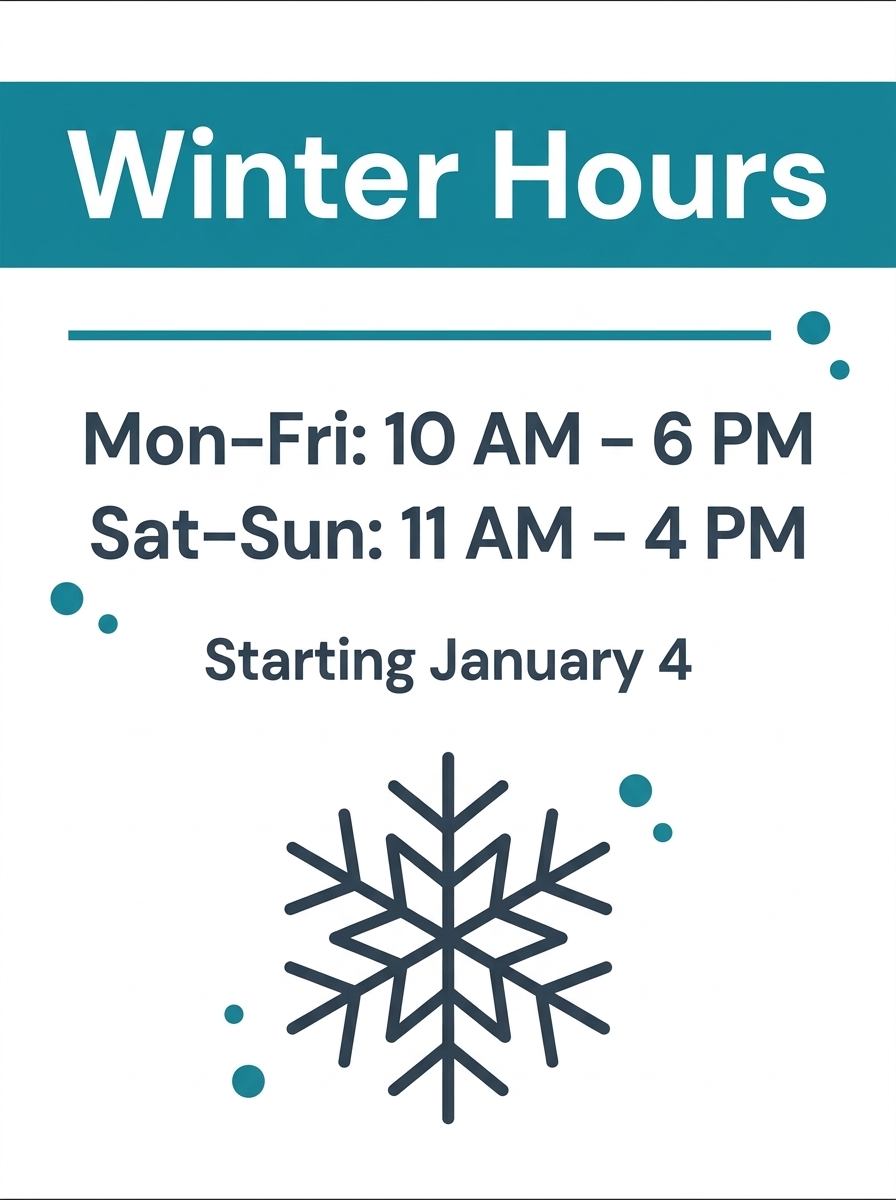
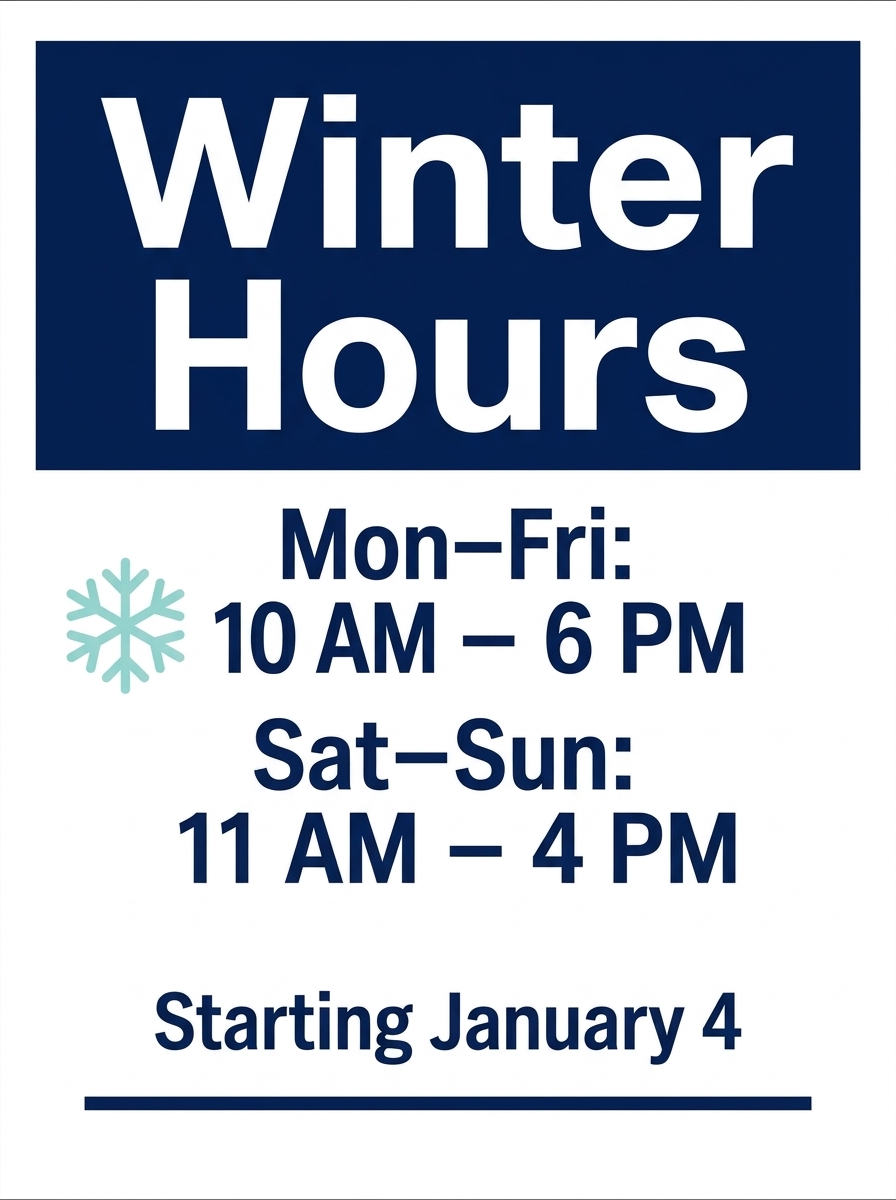
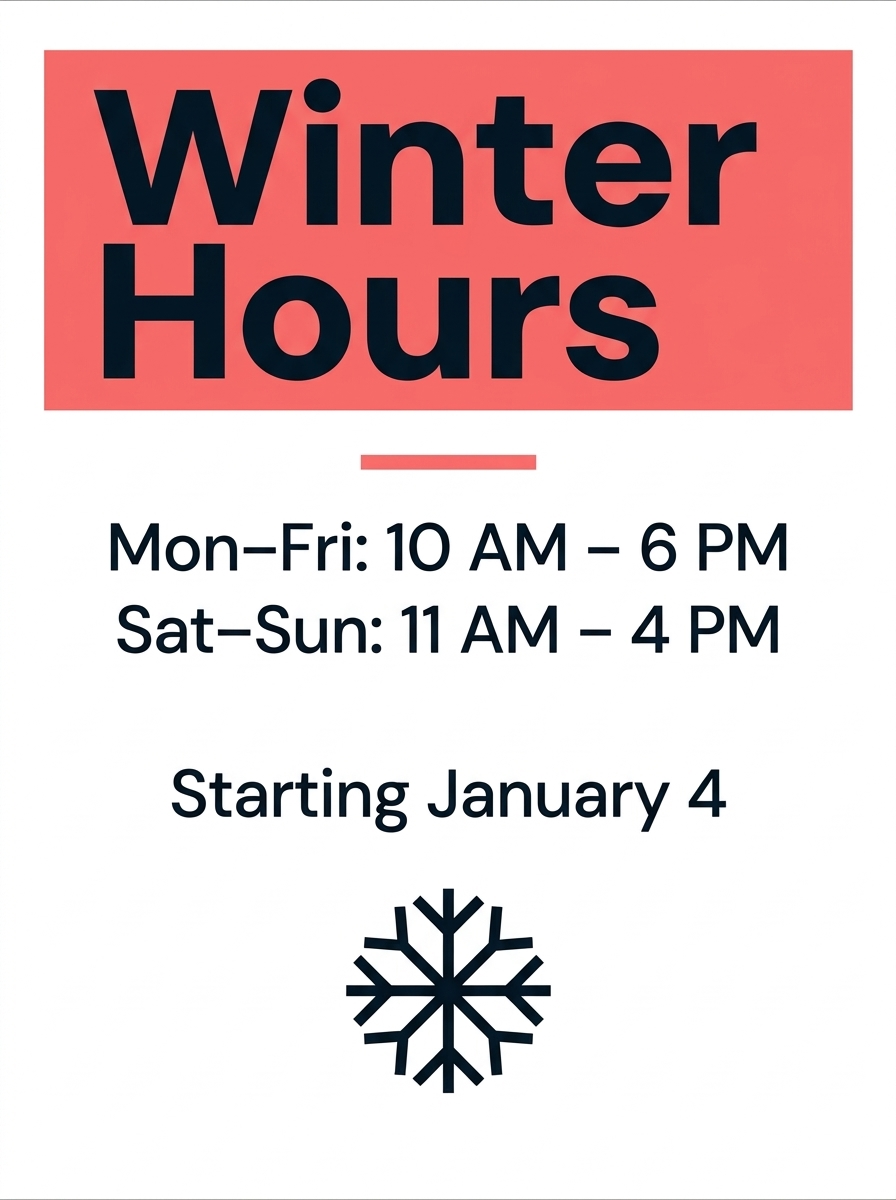
Winter Hours Mon–Fri: 10 AM – 6 PM Sat–Sun: 11 AM – 4 PM Starting January 4
Closed two days
New Winter Hours Wed–Sun: 11 AM – 5 PM Mon & Tue: Closed
Weekends only
Winter Hours Open Weekends Only Sat & Sun: 10 AM – 4 PM See You in Spring!
Cafe
Winter Hours Daily 7 AM – 3 PM Kitchen Closes at 2:30
With end date
Winter Hours Thu–Sun: Noon – 6 PM January 4 – March 31 Summer Hours Return April 1
Closed for the season
Closed for the Season Thank You for a Great Year! Reopening Saturday, March 20
By appointment
Winter Hours Tue–Sat: 10 AM – 4 PM Other Times by Appointment Call (555) 123-4567
Early dark
Winter Hours We Now Close at 5 PM Thank You for Understanding
Winter hours, holiday hours or new hours?
| Sign | Use it when | How long it stays up |
|---|---|---|
| Winter hours | Your weekly schedule changes for the season | The whole season, often January to March |
| Holiday hours | A few dates change around Thanksgiving, Christmas or New Year's | From about a week before to the last changed date |
| New hours | Your schedule changes for good | A few weeks, then your regular hours sign takes over |
Posting tips
- Post it a week before the new schedule starts, next to your regular hours sign, then replace the regular sign on the first day.
- Put the start date on the sign, so customers who see it early don't think the change has already happened.
- Set the same hours in your Google Business Profile and on your website the day they start, so Maps matches your door.
- If you'll also close for Christmas or New Year's, post that on a separate holiday sign rather than crowding the winter one.
More hours signs
Signs for holidays and other schedule changes.
Frequently asked questions
What should a winter hours sign say?
"Winter Hours", each day or group of days with its hours, the days you're closed, and the date the schedule starts. Add when regular hours return if you know it.
When do winter hours usually start?
Many businesses switch in early January, after the holiday rush; this season that is Monday, January 4, 2027. Others start when clocks go back (Sunday, November 1 in 2026) or after Labor Day. Put your exact start date on the sign.
Is a winter hours sign the same as a holiday hours sign?
No. A holiday hours sign lists a few changed dates and comes down after the holiday. A winter hours sign shows a new weekly schedule and stays up all season.
What about snow days?
Keep the winter hours sign up and add a closed due to weather sign on the door for the day. Update your Google Business Profile too, since many people check Maps before driving out in bad weather.
Is this sign free?
The example signs on this page are free to download as PDF and PNG. To create one with your own hours, the first set of 4 designs is free to create; downloading it costs $1.99. No account needed.